From call-out to invoice.
Without losing the thread.

The platform for field maintenance and technical service companies.

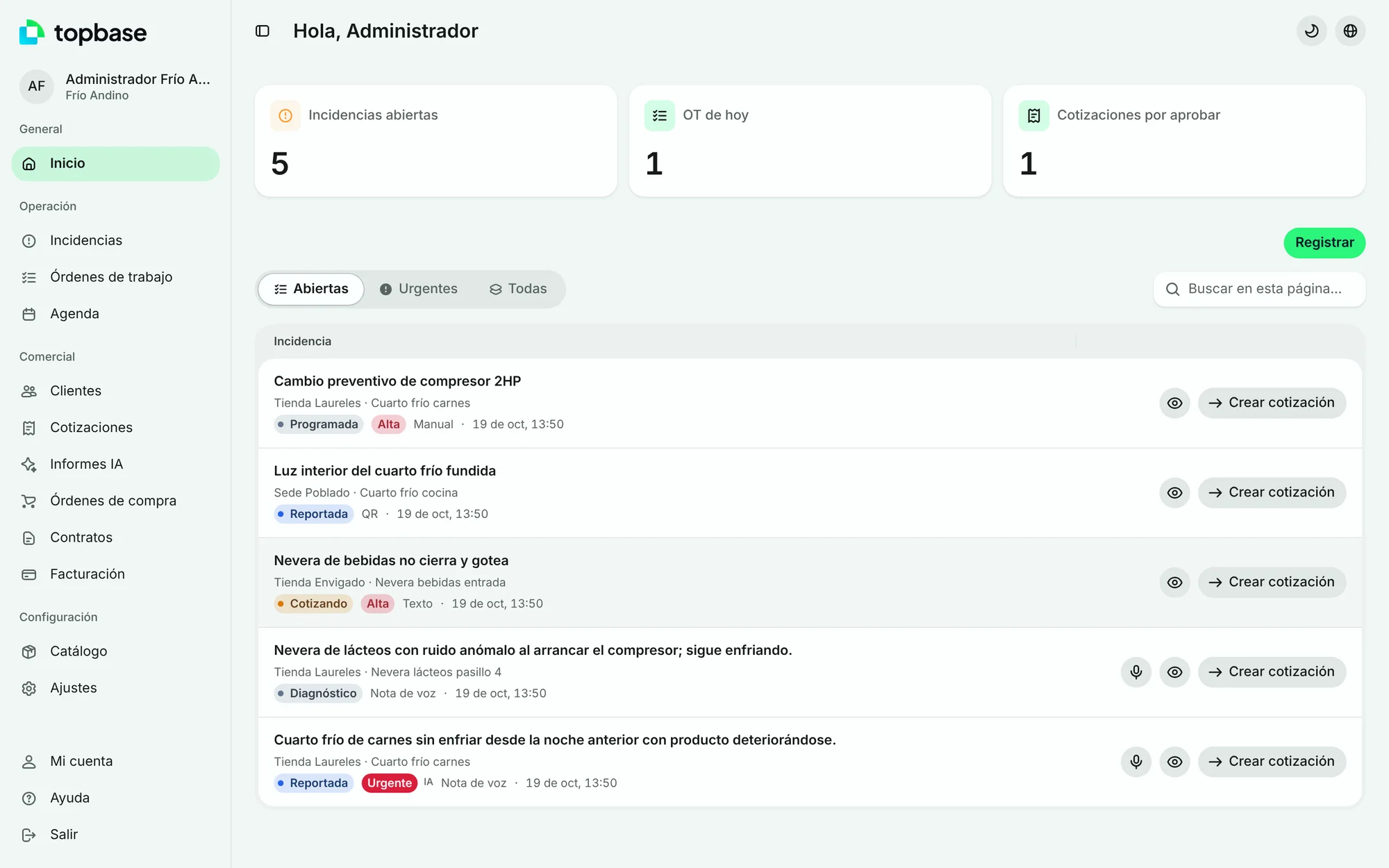
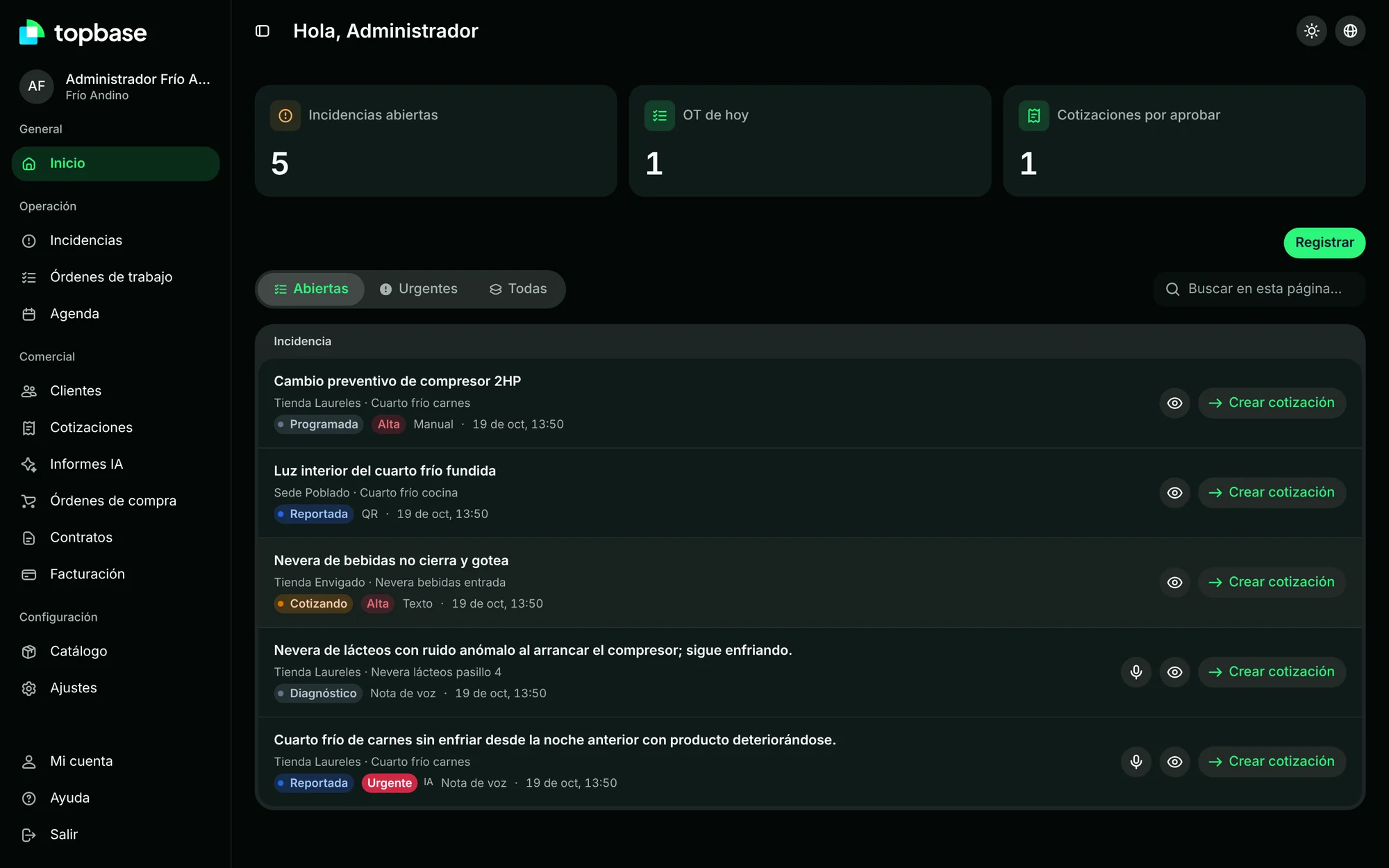
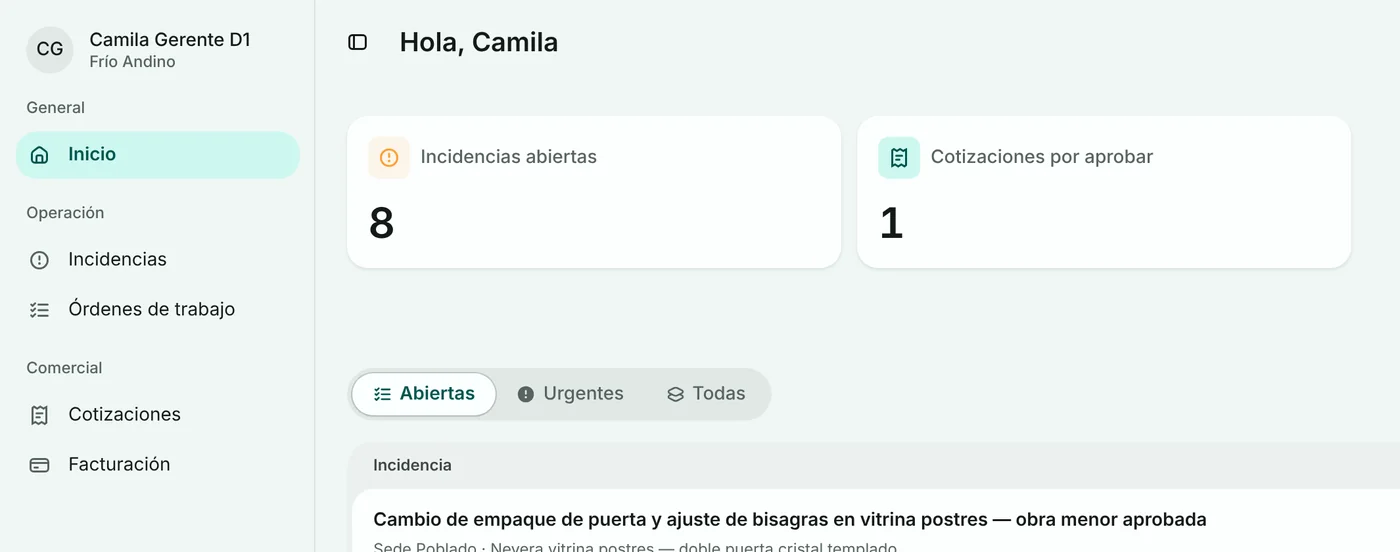
Topbase: inicio de la oficina

The problem.

Operations live in chats
and spreadsheets.

TodayWhatsApp groupsMargins in ExcelPhone callsEmailsNo history
With Topbase
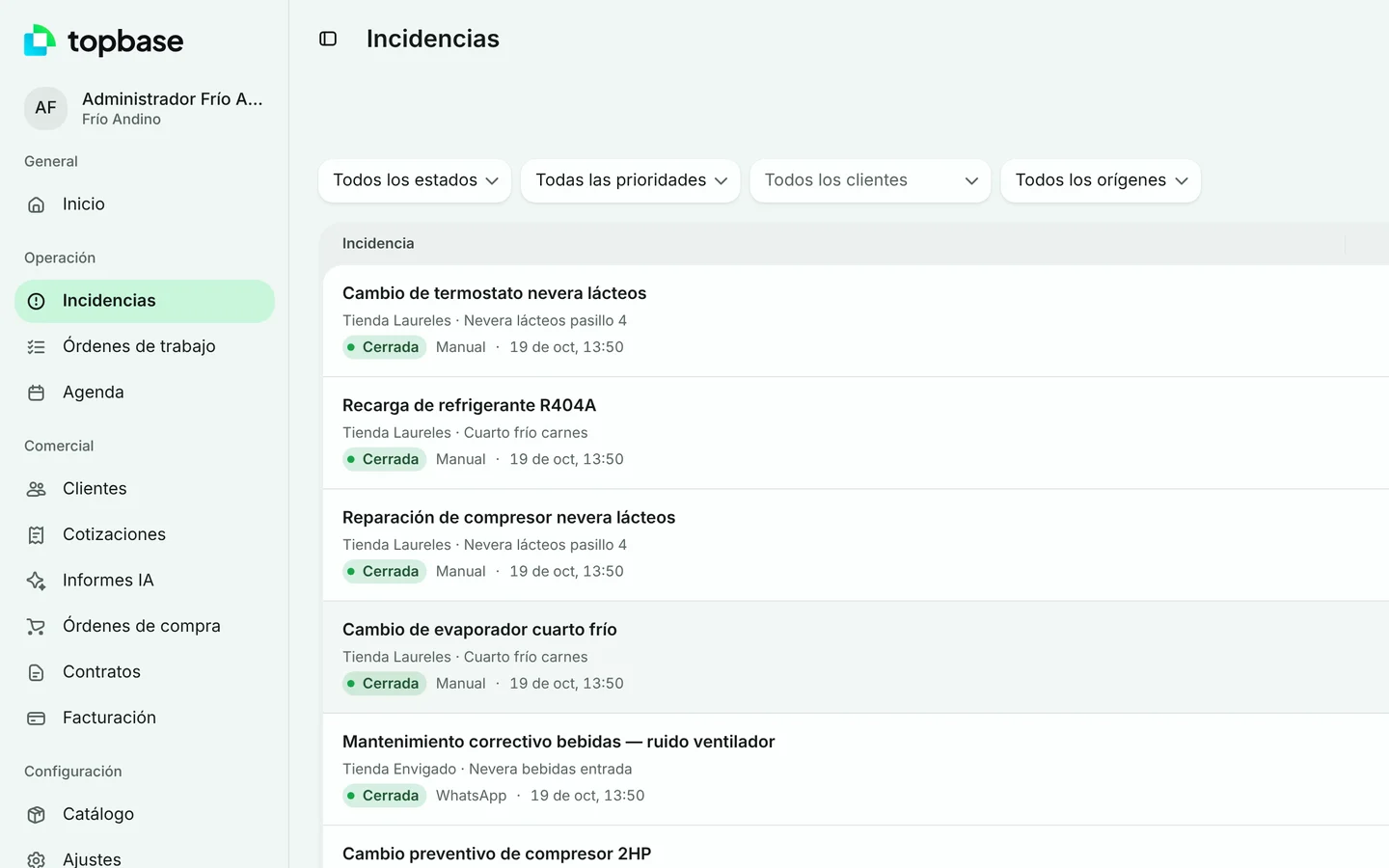
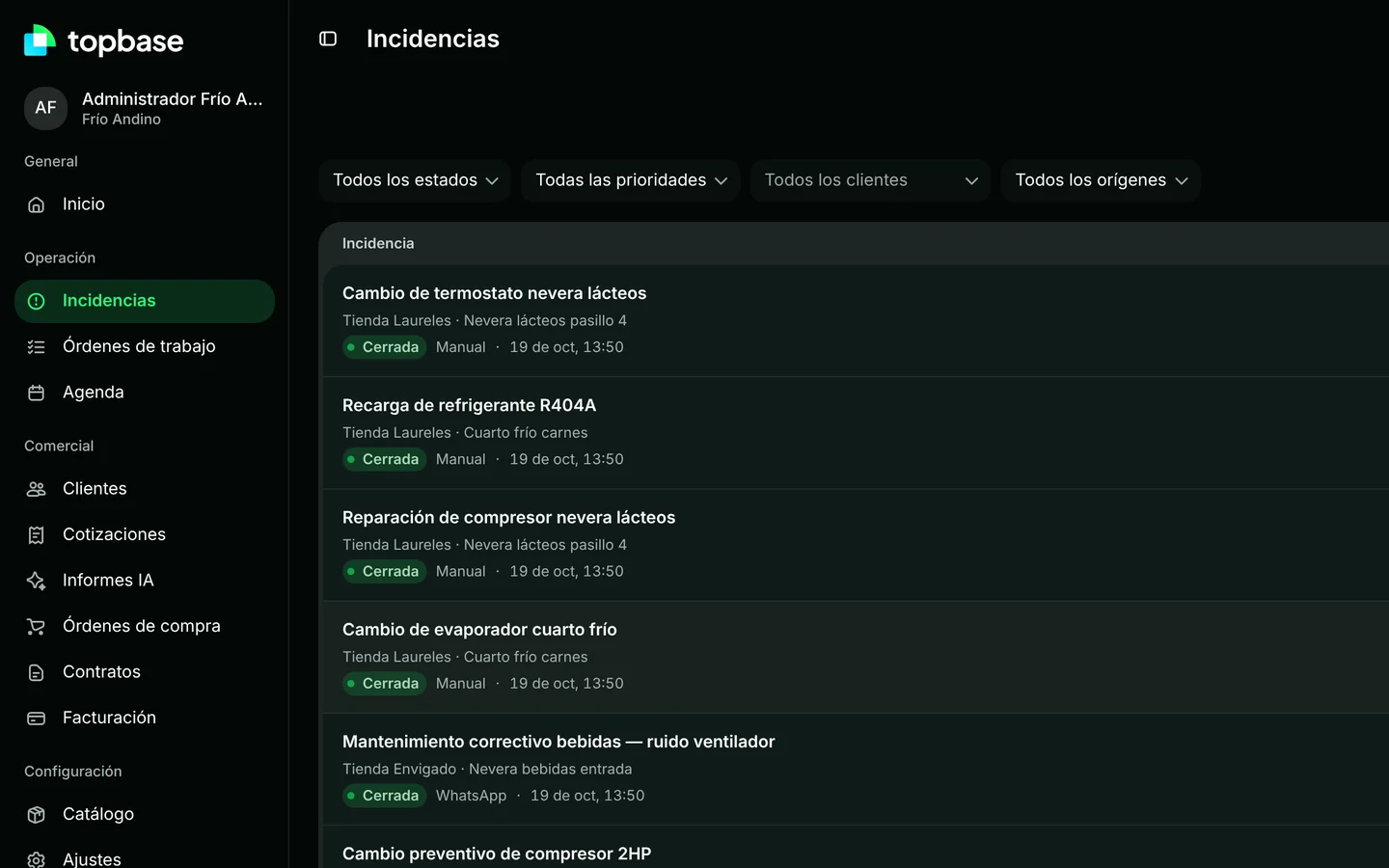
  1. Incident
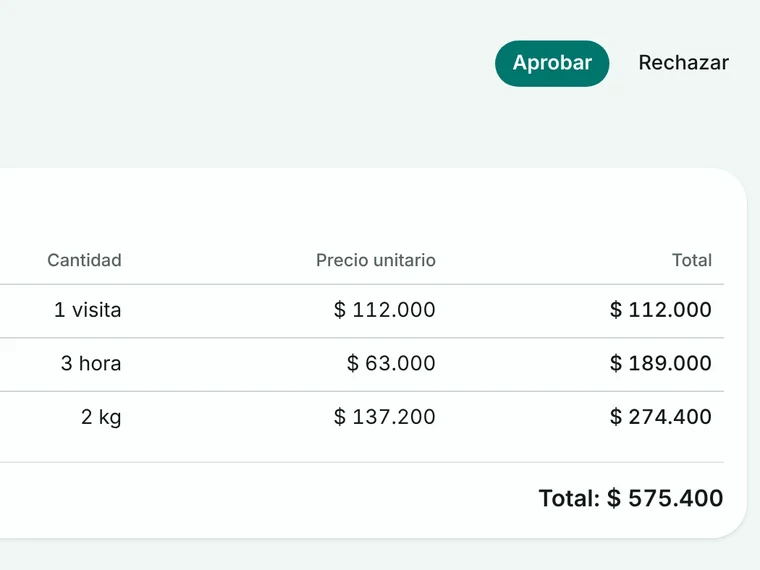
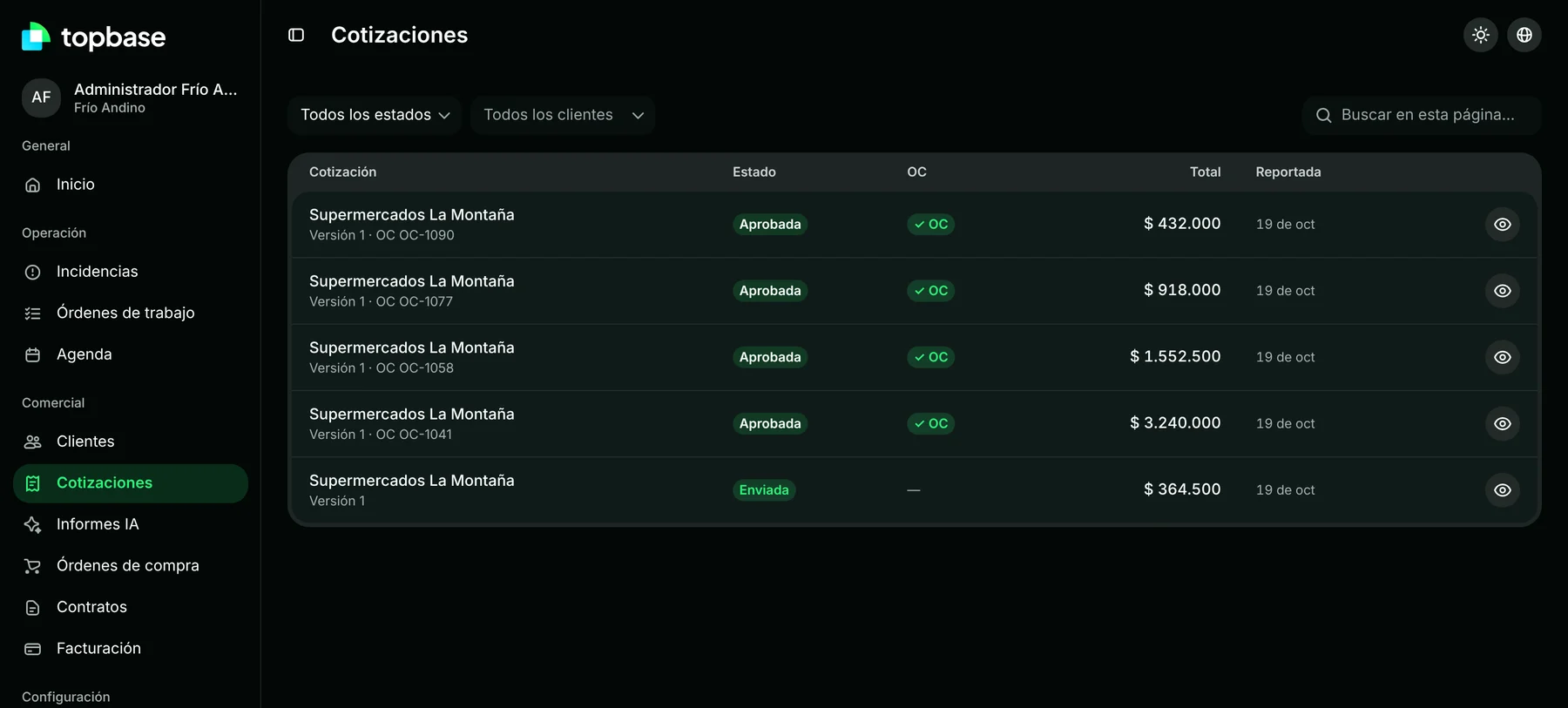
  2. Quote
  3. Approval and PO
  4. Work order
  5. Invoice

The solution.

One cycle,
end to end.

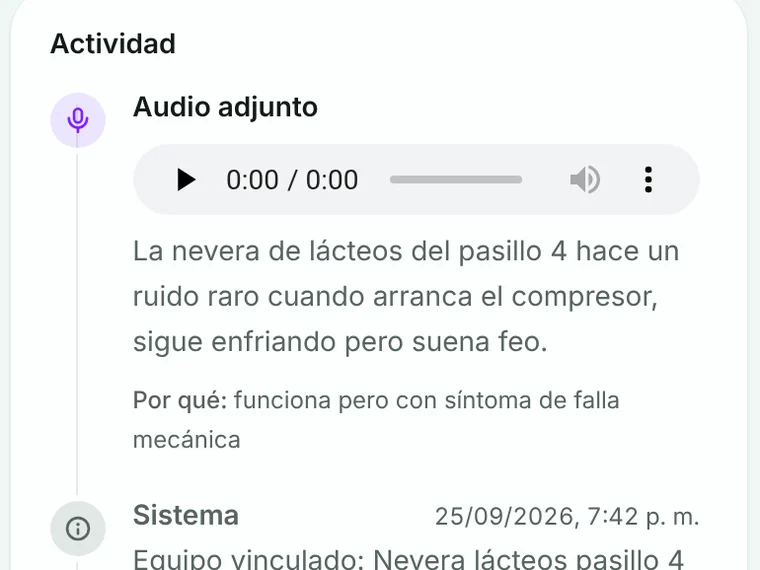
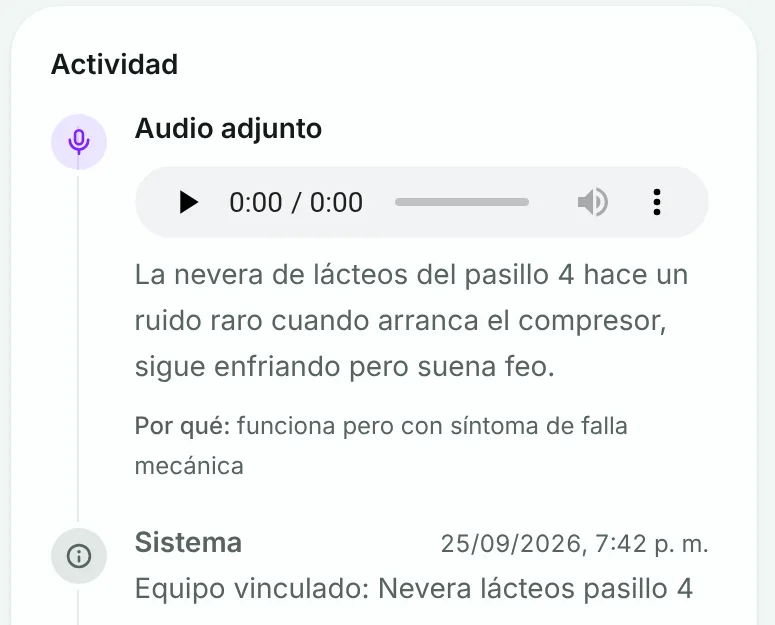
  1. Incident: Voice note · AI
    01

    Incident

    Voice note · AI

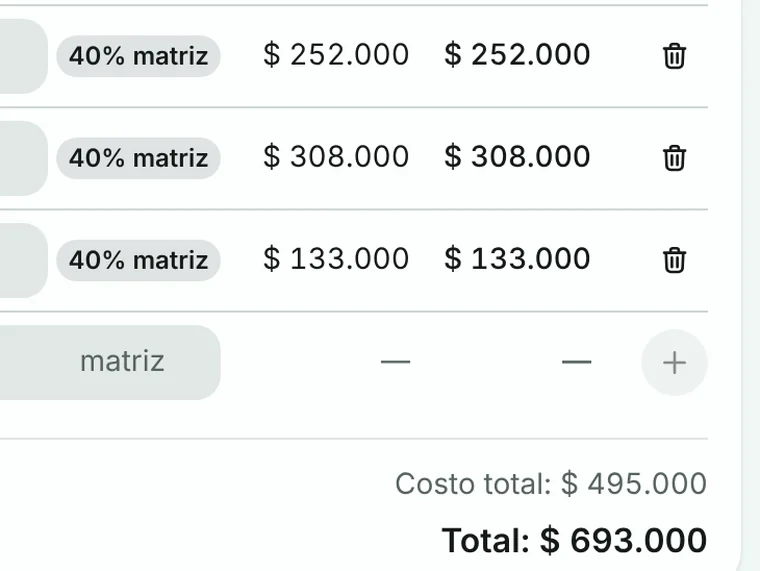
  2. Quote: Margin per line
    02

    Quote

    Margin per line

  3. Approval and PO: In the client portal
    03

    Approval and PO

    In the client portal

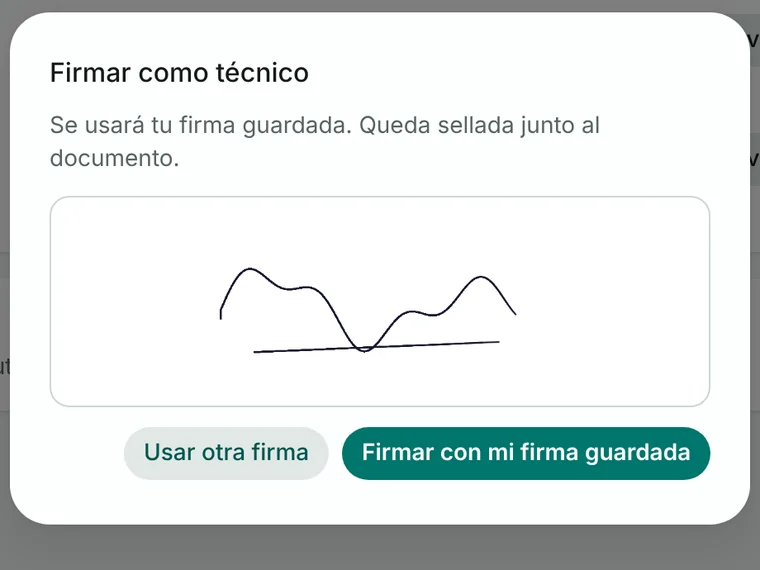
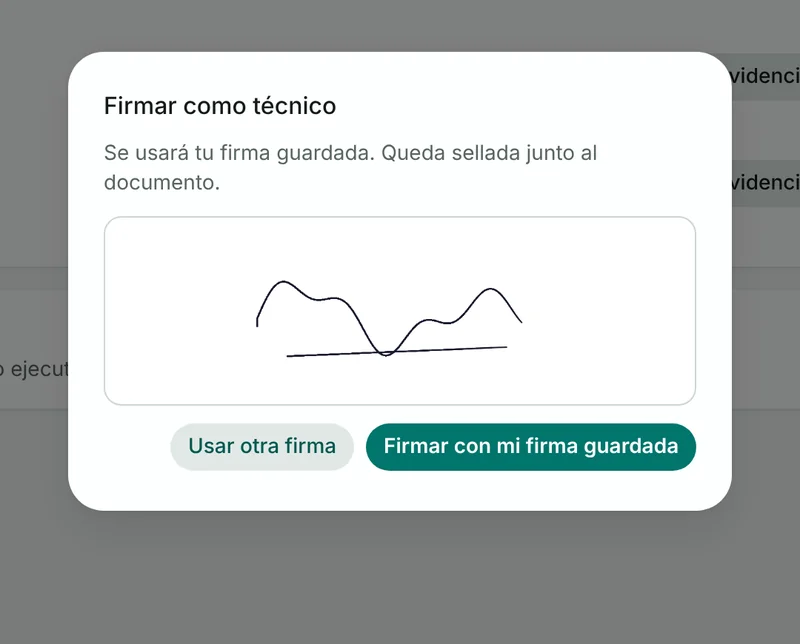
  4. Work order: Two signatures
    04

    Work order

    Two signatures

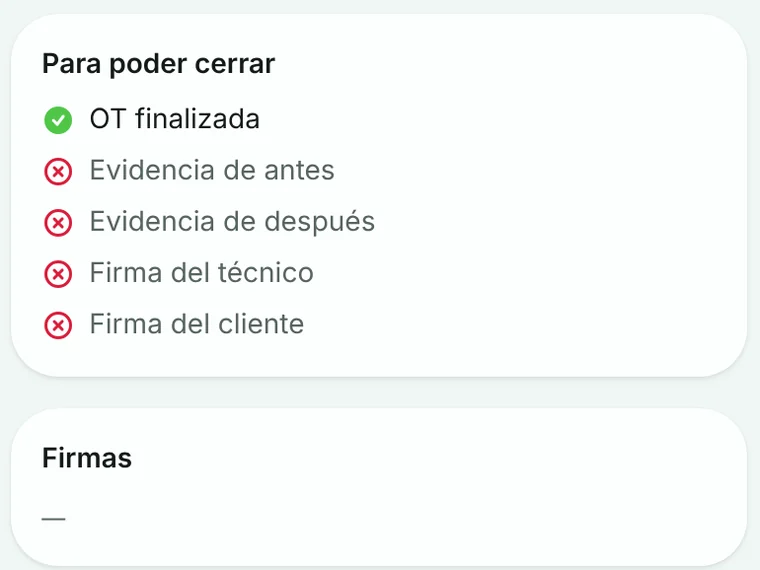
  5. Invoice: Close-out checklist
    05

    Invoice

    Close-out checklist

Real screenshots with demo data.

A day in Topbase.

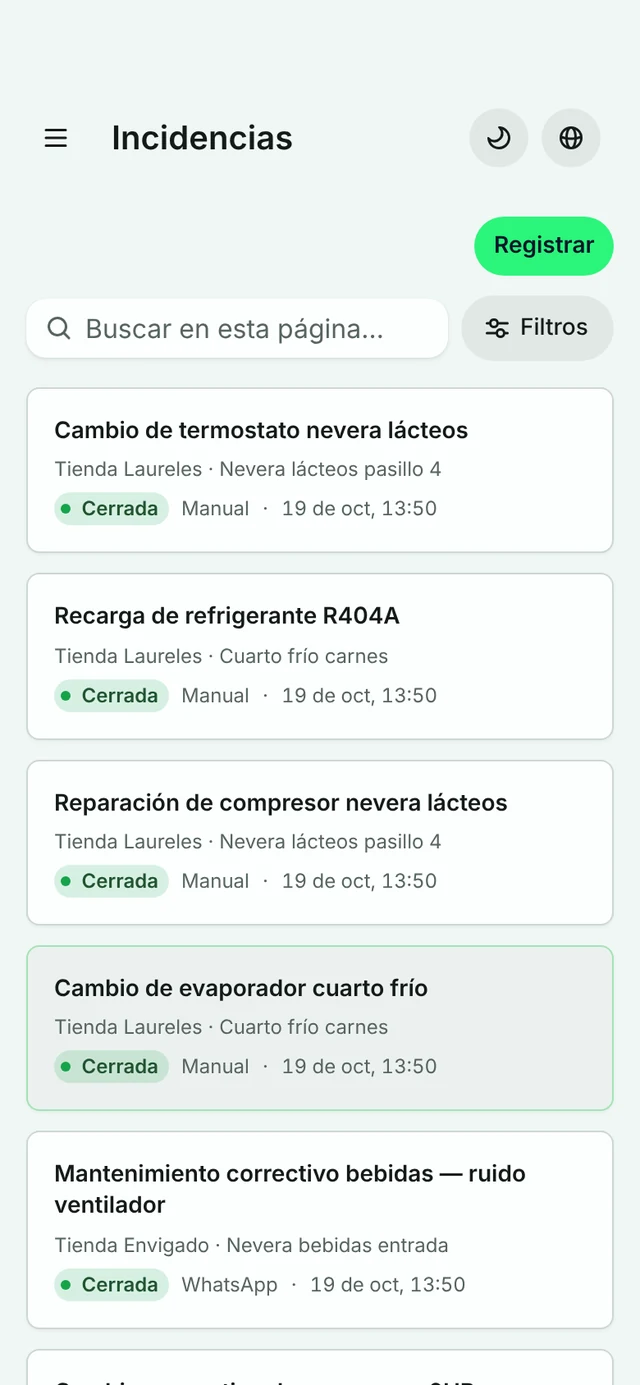
Real app screens, on desktop and on mobile.

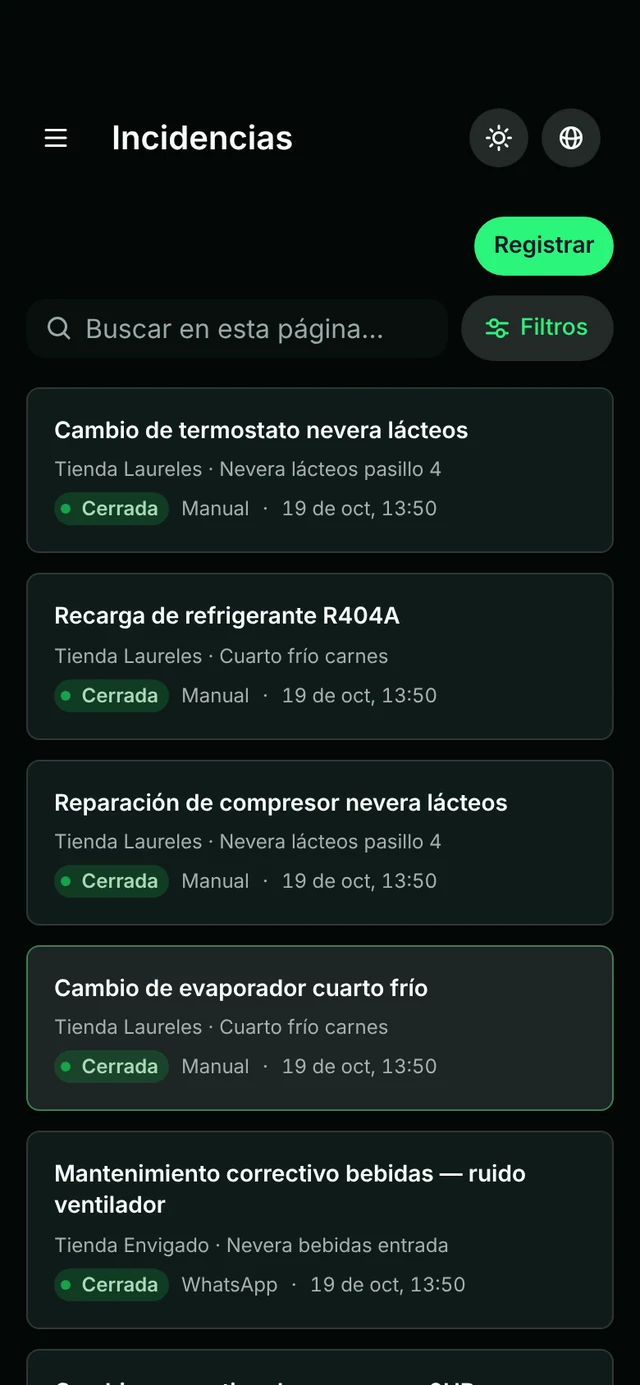
  1. A job comes in

    It arrives by WhatsApp, voice or QR and is logged with its client, equipment and priority.

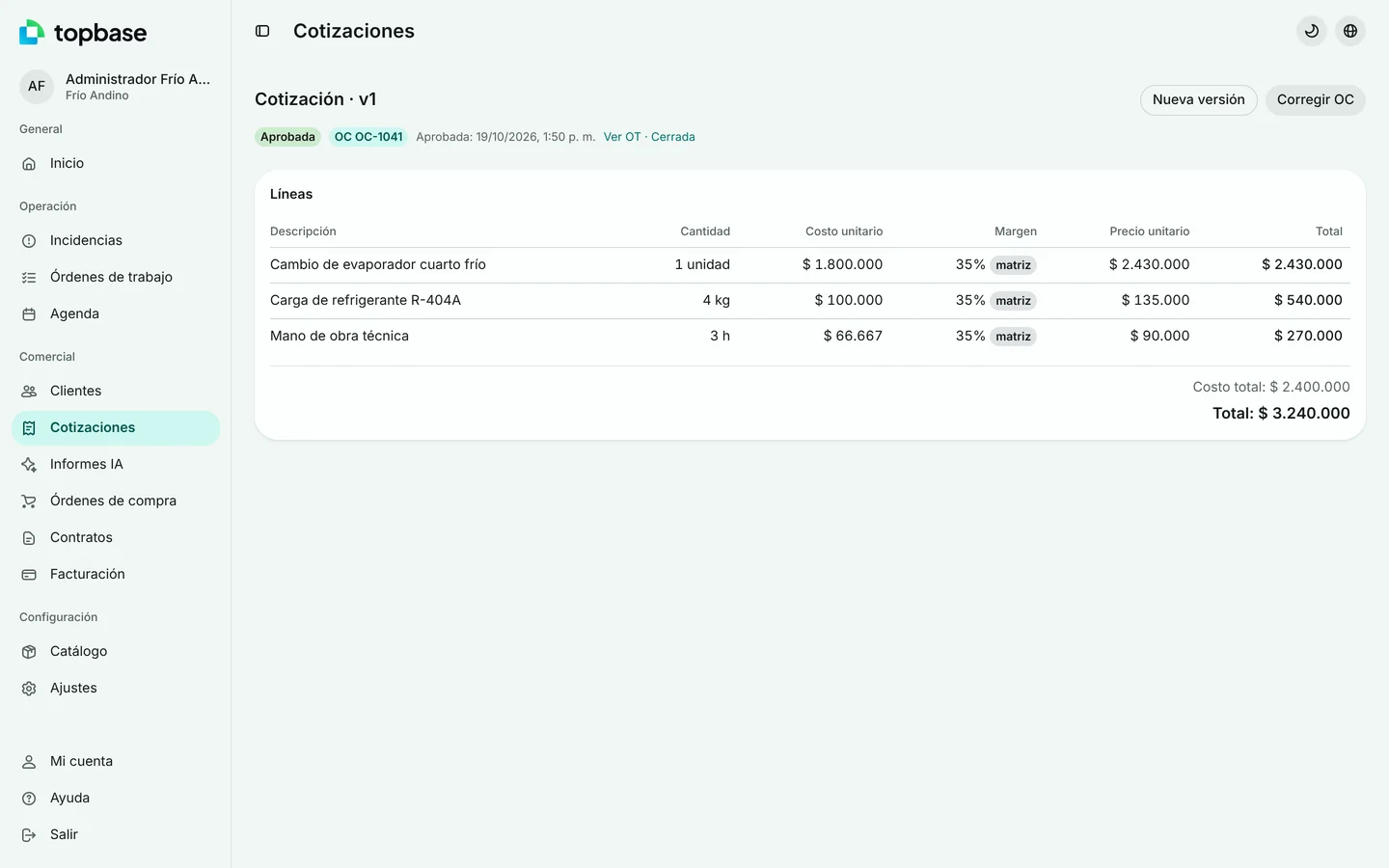
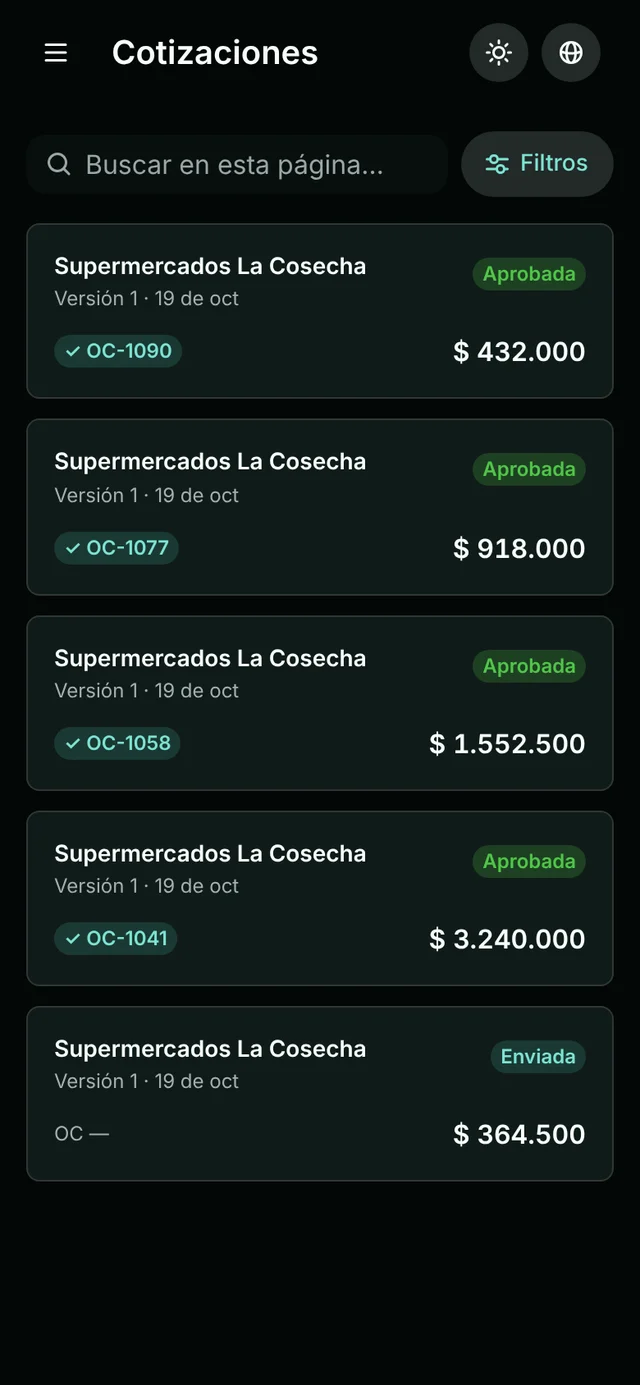
  2. It gets quoted

    The quote goes out in minutes and the client approves it with their purchase order.

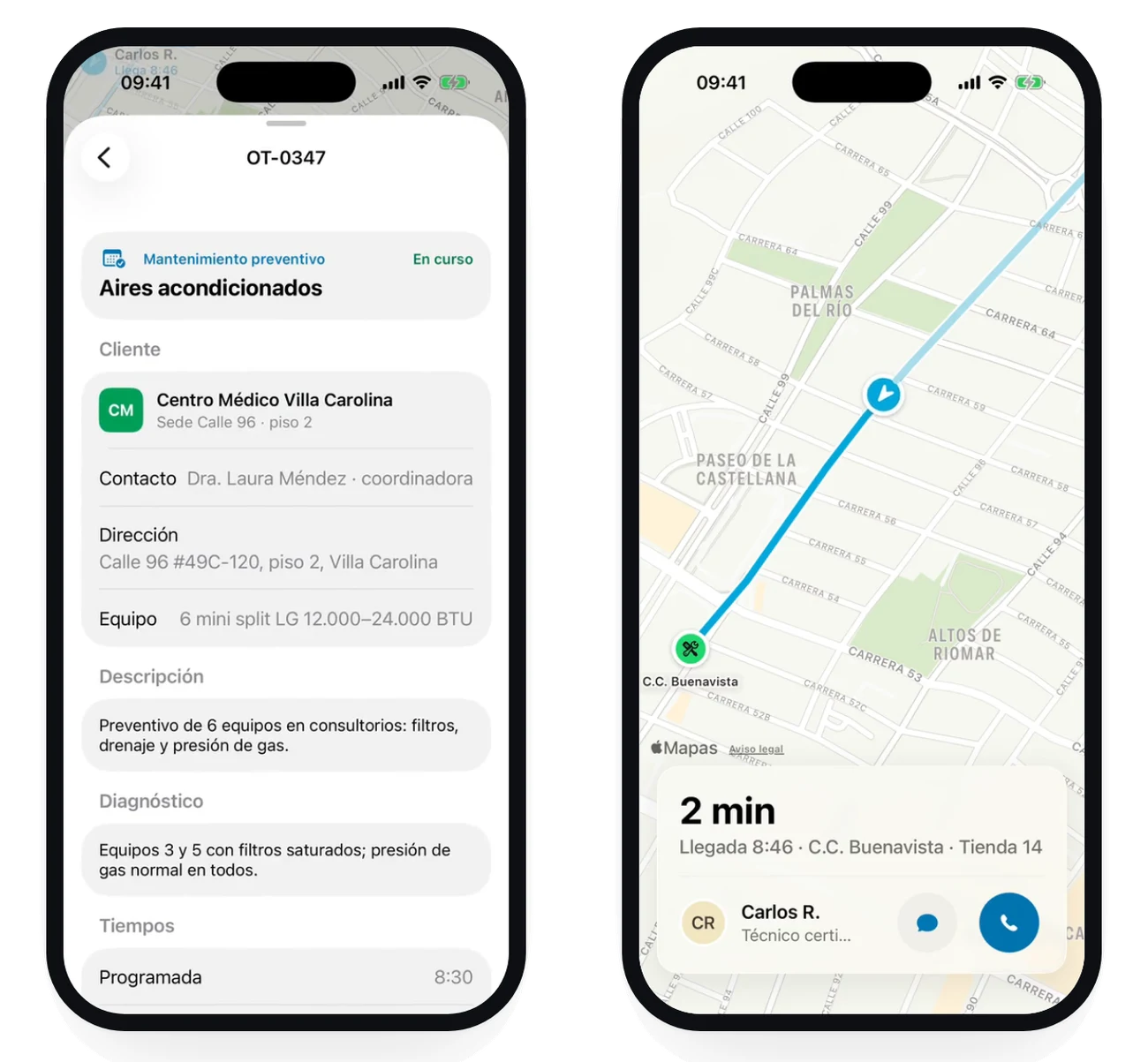
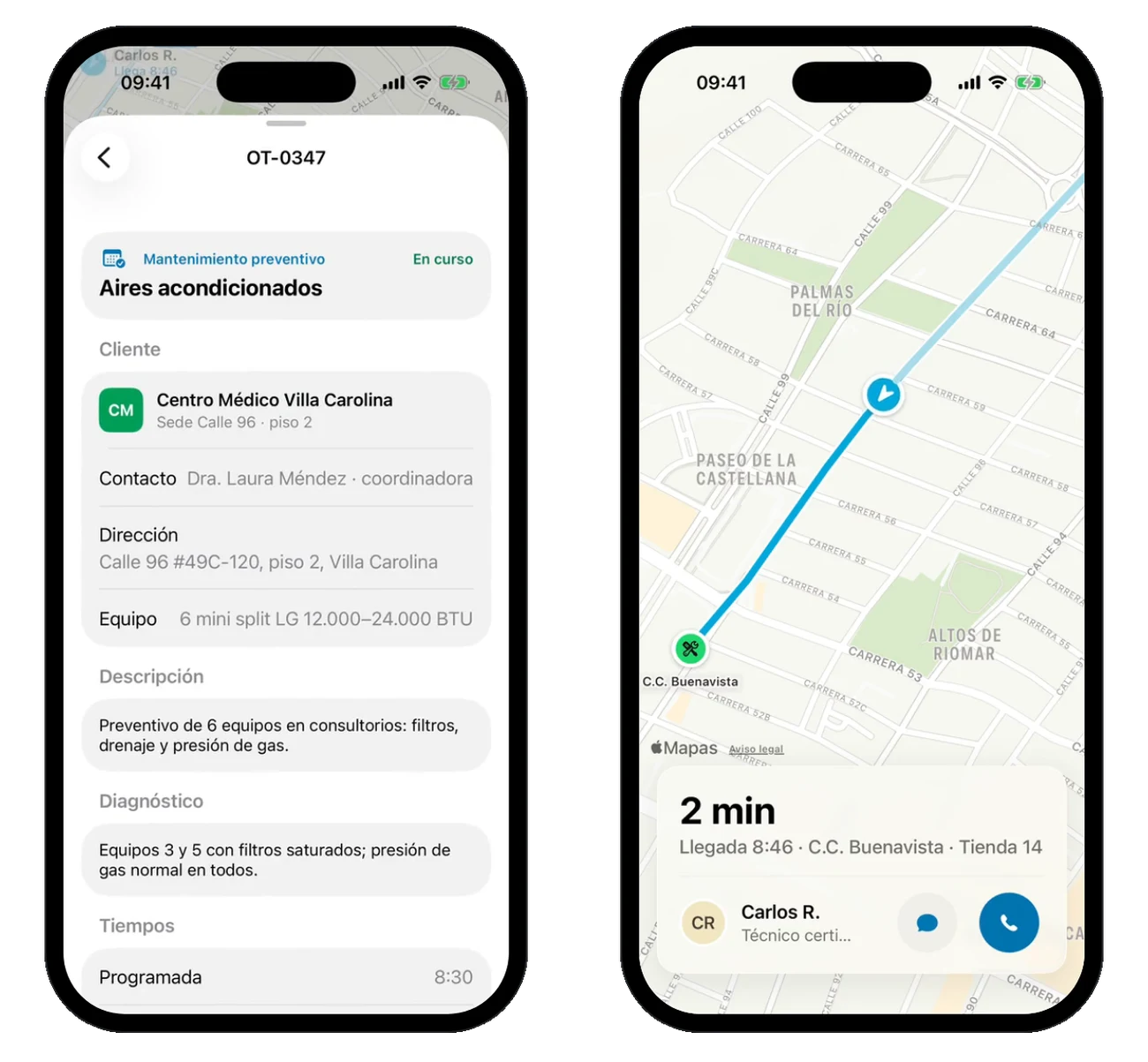
  3. The technician, on the way

    You follow them live and your client sees when they’ll arrive.

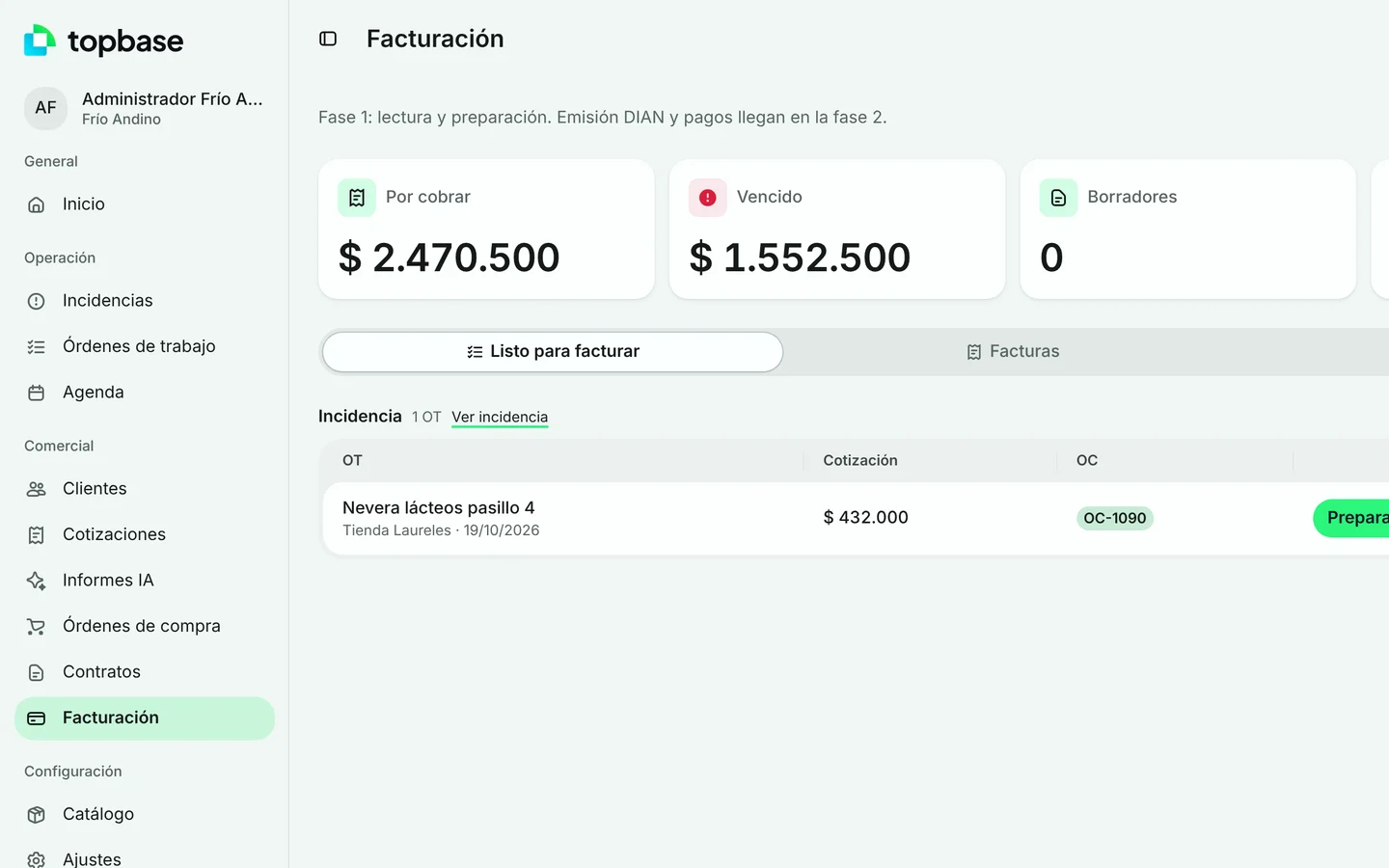
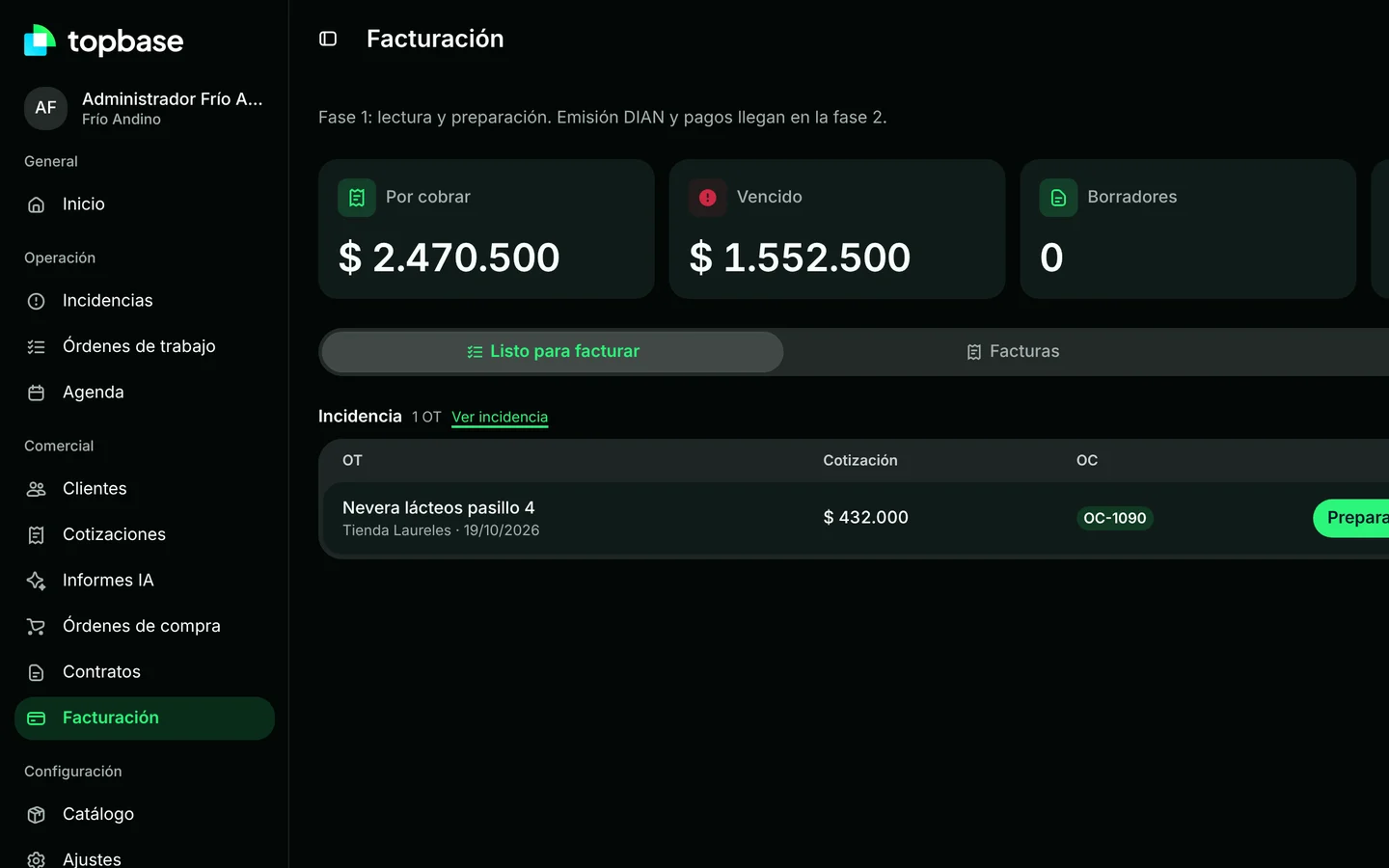
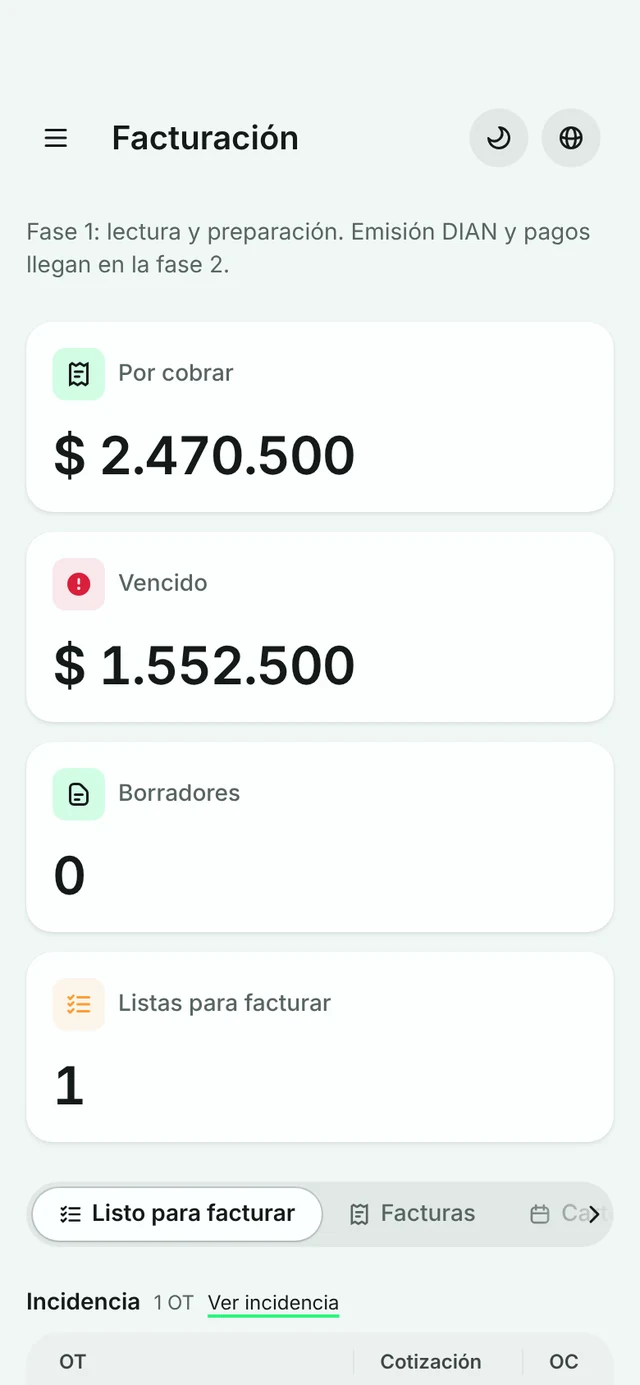
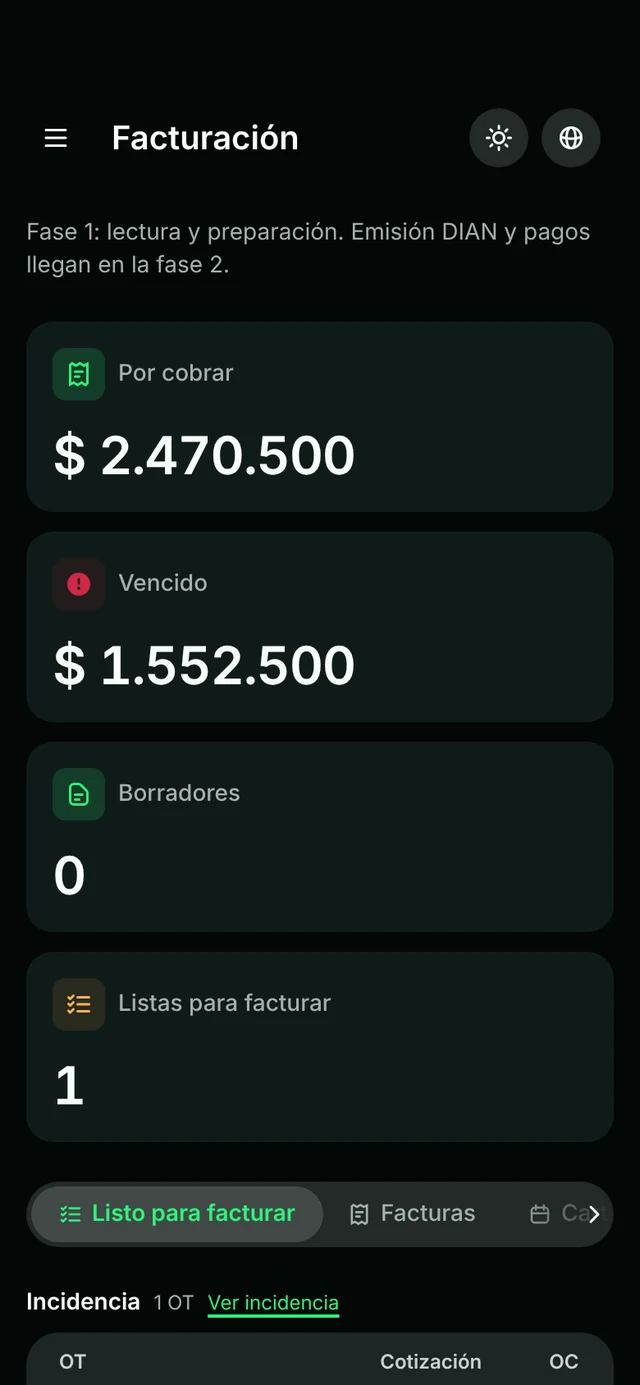
  4. It gets invoiced

    Closed work moves to billing: receivable, overdue and ready to invoice, at a glance.

Built for field work.

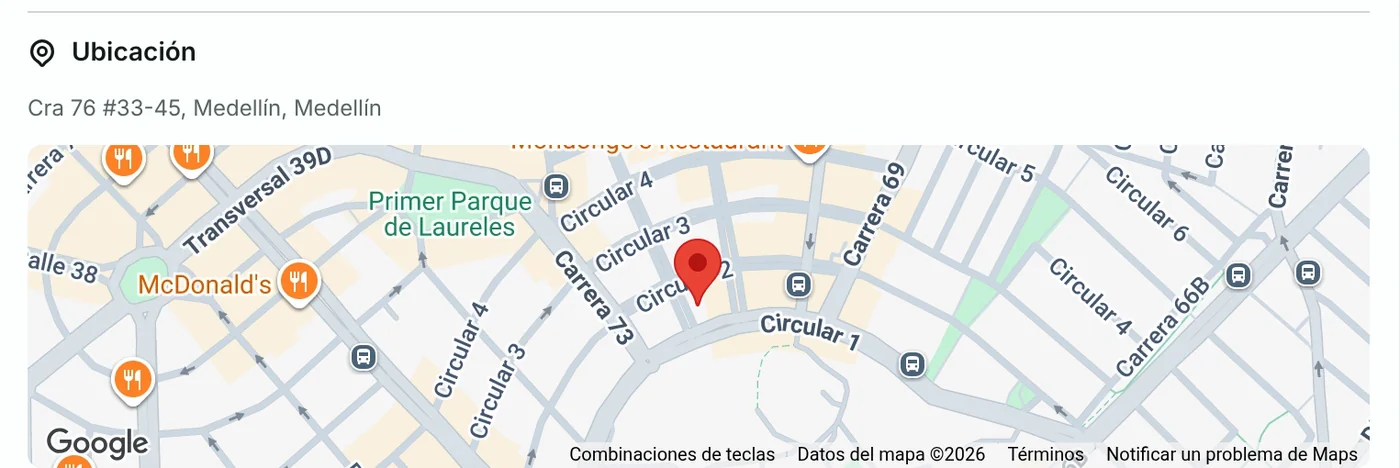
Map and AI

Suggested priority and the site on a map.
Map and AI

Voice notes

The spoken report, transcribed.

Voice notes

Double signature

Technician and client both sign.

Double signature

Client portal

Each site reports, approves and checks.
Client portal

And for the office.

© OpenStreetMap · OpenFreeMap

Carlos R.

En route · Arrives 8:46

Destination

C.C. Buenavista

Calle 98 #52-115, Buenavista

2.0 km · 5 min left

Customer

Supermercado Buenavista

Sede C.C. Buenavista · local 214

Mónica Herrera · store manager

Work order

OT-0351 · Incident

Cold room not cooling

High
LivePlease complete the security check.
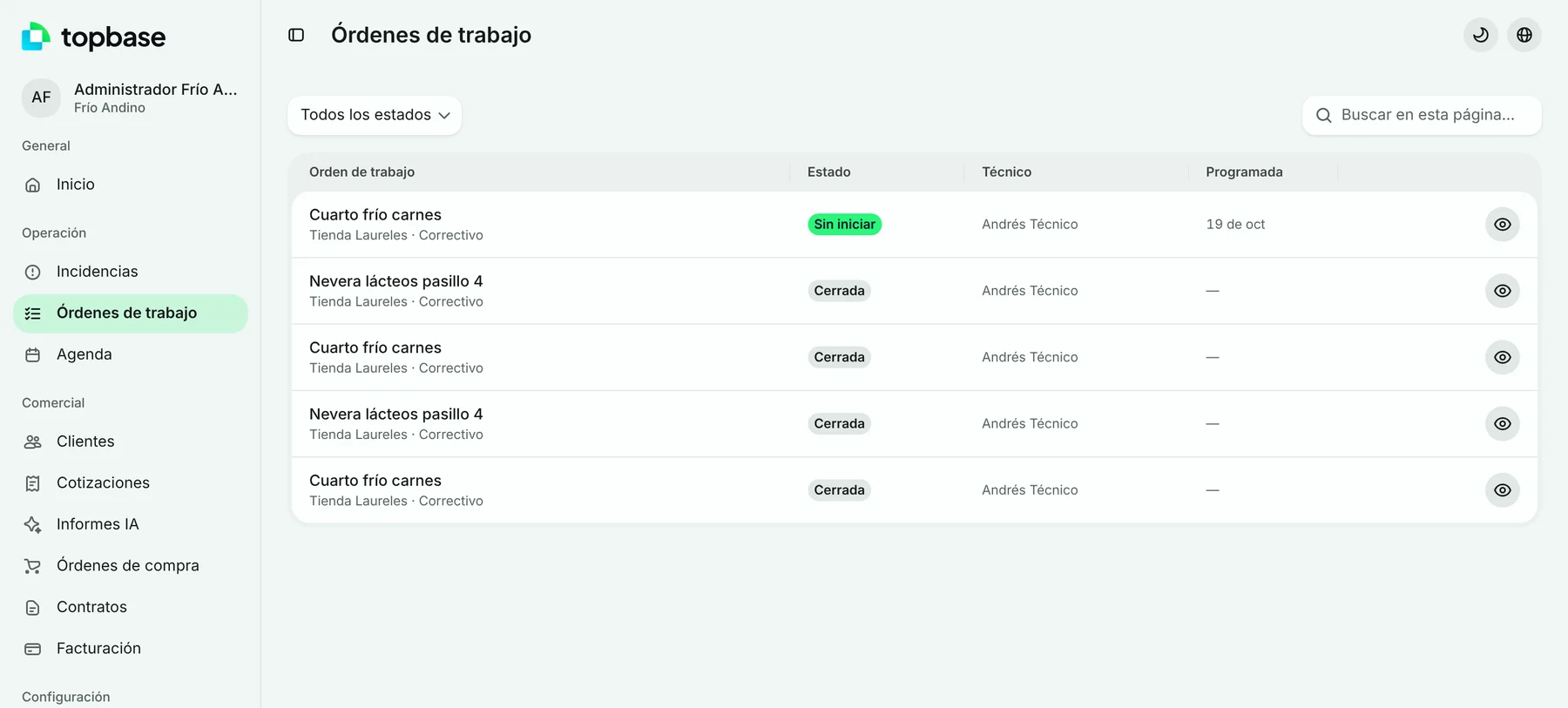
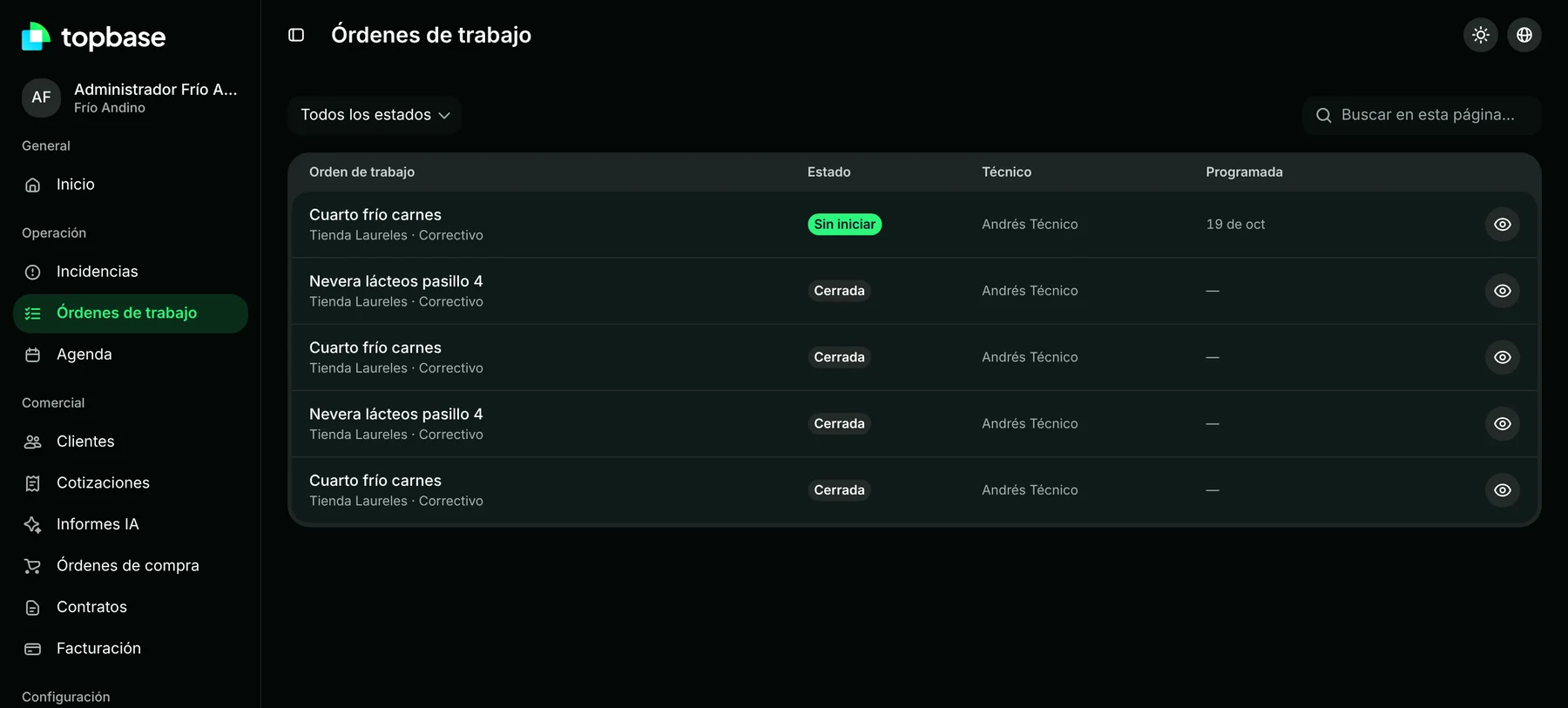
Every work order, with its status and technician.Every work order, with its status and technician.
Every work order, with its status and technician.
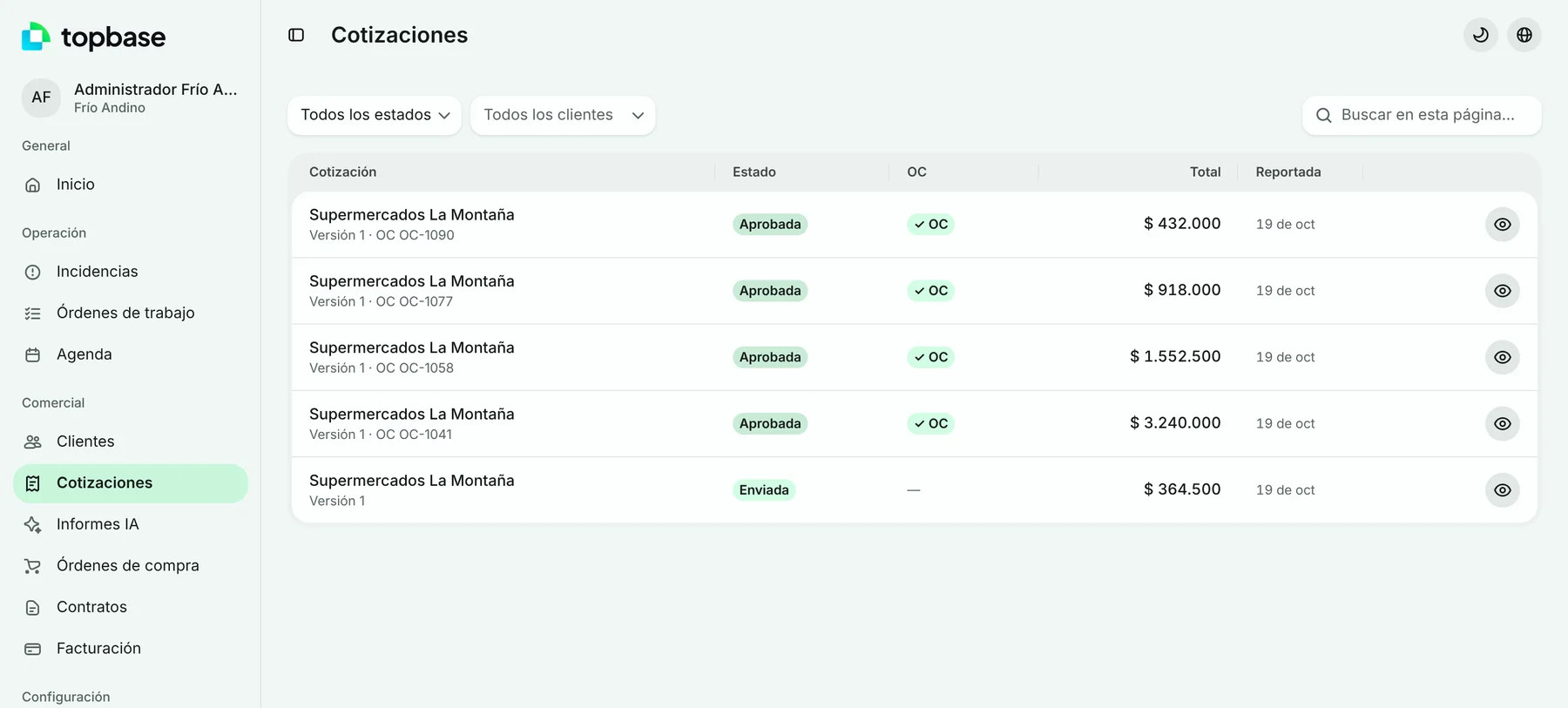
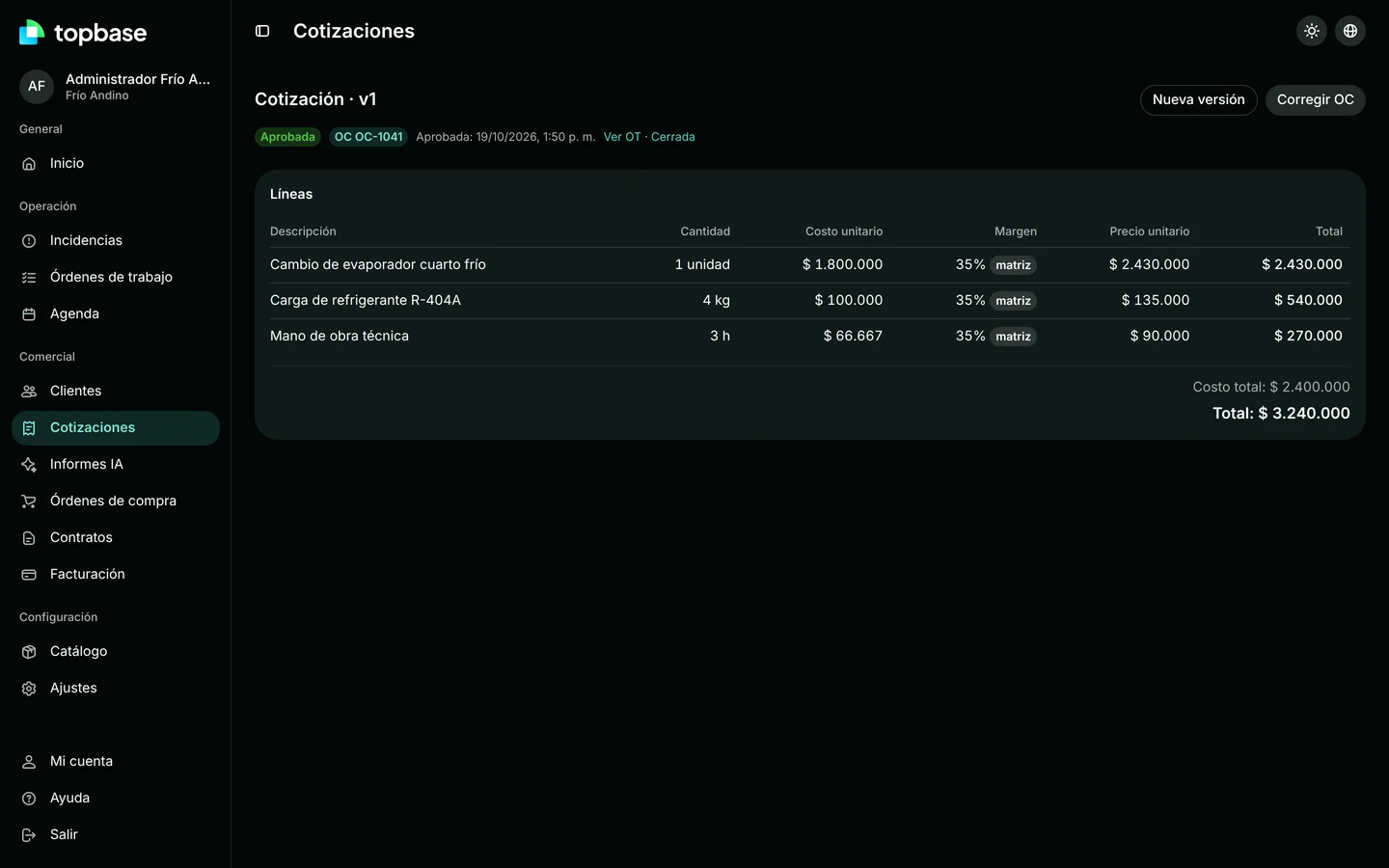
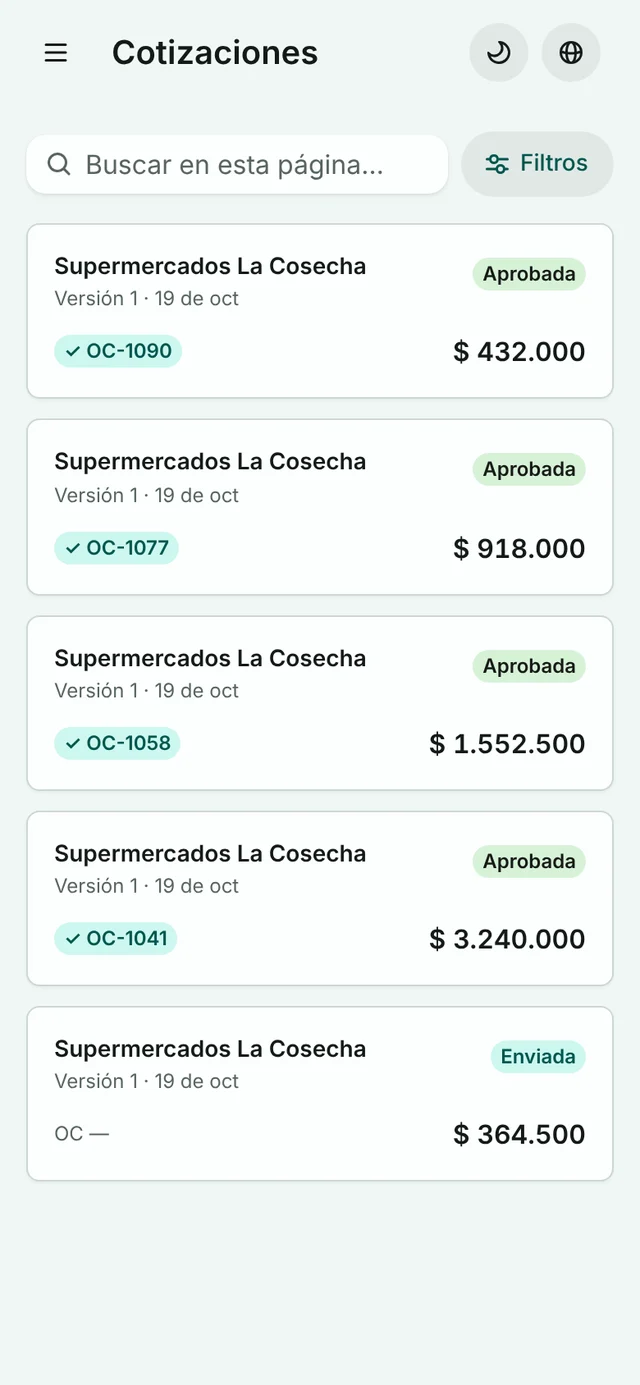
Every quote, with its margin per line.Every quote, with its margin per line.
Every quote, with its margin per line.

And on the iPhone.

A native app for iOS 26, with Liquid Glass and MapKit.

For the manager

Every technician’s card.

  • Tap a technician on the map to open their card.
  • The destination on a map, with the address and the time they have been on site since.
  • The customer with their contact and the work order, with Call and Message at hand.

The full work order.

  • Customer, contact, address and equipment.
  • Description, diagnosis and times: scheduled, started and technician.
  • Itemised service price: labour, parts, visit, VAT and total.

Follow them in 3D.

  • Follow a technician en route in a 3D view.
  • Their speed, live.
  • The route to the destination, marked on the map.

Clusters split as you zoom in.

  • Technicians close together are grouped: “4 technicians”.
  • Zoom into the map and each group opens into each technician.
  • Each with their status: en route with arrival time and speed, on site or offline.

Icons only, or with details.

  • “Show details” switches the map between icons only and names with status.
  • Without details, each technician’s icon and speed remain.

You choose who shows.

  • The list of technicians, each with their status.
  • One switch per technician to show or hide them on the map.
  • “Show all” brings everyone back at once.

For the technician and the customer

Navigation with a speed alert.

  • Step-by-step directions, with distance and street.
  • Current speed next to the road’s limit.
  • Over the limit, a warning in red: “Slow down”.

Arrival confirmed.

  • On arrival, the technician slides to confirm.
  • It is logged with the time and the distance to the site.
  • A trip summary: departure, arrival, kilometres, minutes and top speed.

Your customer sees them coming.

  • Follows the technician en route, live.
  • Minutes left and arrival time at the site.
  • Can message or call them from the same screen.

Real iOS Simulator recordings with demo data.

Built with

  • React
  • TypeScript
  • HeroUI
  • Elixir
  • Phoenix Framework
  • PostgreSQL
  • Swift
  • OpenAI
  • Anthropic
  • GitHub Actions

Every change runs through CI on GitHub Actions.

Bring order
to your operation.

Request
a demo.

Tell us how your service team works.

info@joywareteam.com